Arduino Uno: upload your first sketch
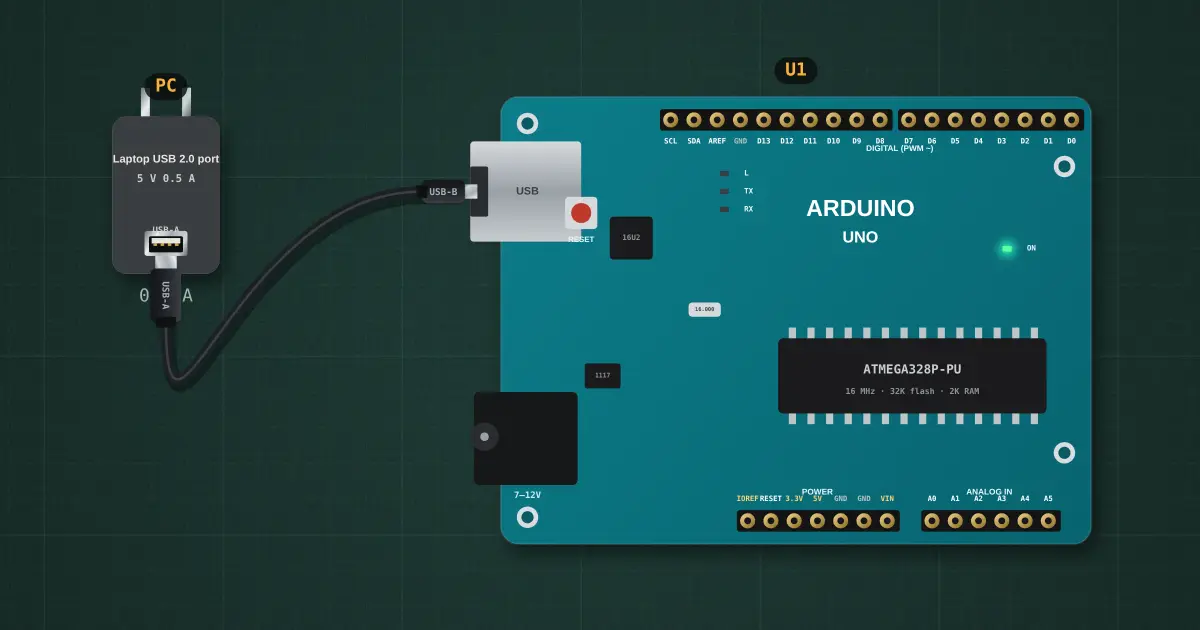
An Arduino is a computer on a chip with pins you can switch. It comes with Blink already loaded, so the L LED flashes the moment it gets power. Open the IDE from the board’s panel, change both delays to 200 and press Upload (→). The IDE compiles the C++ into machine code, the board resets into its bootloader, takes the new program over USB and restarts with it.
Open this lesson in the labFree, in your browser, no account needed.
How it works
Every sketch has setup(), which runs once after reset, and loop(), which runs again and again for as long as there is power.
The Uno's USB chip (an ATmega16U2) turns USB into serial. When the IDE opens the port, it pulses the reset line, and the bootloader listens for a new program for about a second before it starts the old one.
Try it on the bench
- Set both delays to 200, upload, and watch the L LED speed up.
- Unplug the USB cable (select it, Delete): the board loses power and stops. Plug it back: it starts your sketch again, because the flash keeps it.
- Make a typo (digitalwrite) and press ✓ Verify: read the compiler error and its suggestion.
Parts on the bench
In the course
Zen’s Electronics Design Mastery, module “Microcontrollers & Embedded”.