I²C scanner
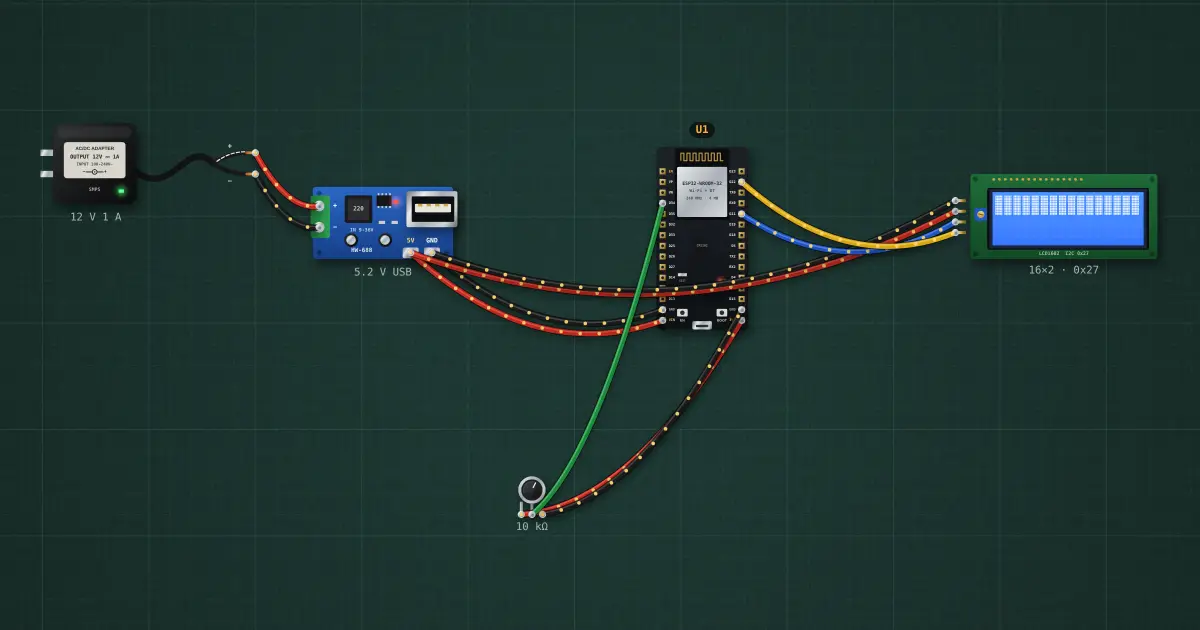
I²C devices share two wires (SDA, SCL) and each answers to its own 7-bit address. A scanner tries every address and lists the ones that acknowledge: the first thing to run when a new module “does not work”.
Open this lesson in the labFree, in your browser, no account needed.
How it works
The LCD’s PCF8574 backpack answers at 0x27 (some boards use 0x3F). If the scan finds nothing, check SDA/SCL are not swapped, the module has power, and the grounds are shared.
Try it on the bench
- Open the serial monitor: “Found 0x27”.
- Pull the SDA wire: the scan finds nothing.
- Select the LCD and change its address to 0x3F, then watch the scanner report the new one.
Parts on the bench
In the course
Zen’s Electronics Design Mastery, module “Microcontrollers & Embedded”.