OLED display (I²C) (SSD1306, SH1106)
0.96" 128×64, white · SSD1306 · I²C 0x3C
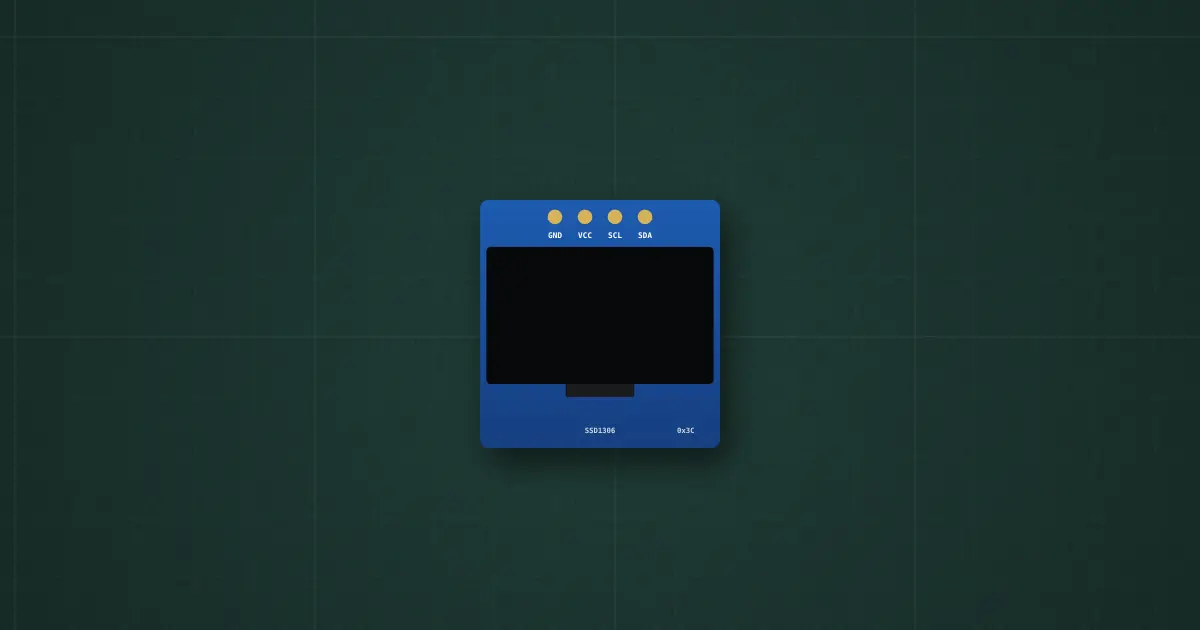
Try it on the benchThe lab drops it on an empty bench and opens its datasheet card.
Typical part: 0.96" I²C OLED module, SSD1306 (also 0.91" 128×32; the 1.3" ones are usually SH1106)
Pins
- GND
- VCC (3.3–5 V: regulator on the module)
- SCL
- SDA
Ratings and limits
| Supply | VCC 3.3–5 V (a 3.3 V regulator on the module); about 10–25 mA, more with more pixels lit |
|---|---|
| Address | 0x3C, or 0x3D with the address resistor moved; boards printed “0x78/0x7A” give the 8-bit form of the same addresses |
| Pixels | 128 × 64 (or 128 × 32), 1 bit each: 1 KB of display RAM in 8 pages; the controller draws nothing on its own |
| Power-up | display off and the charge pump off: the init sequence must enable the pump (8D 14) and switch the display on (AF) |
| Speed | I²C up to 400 kHz: one full frame is 1 KB, about 93 ms at 100 kHz and 23 ms at 400 kHz (Wire.setClock(400000)) |
| SH1106 | 1.3" modules: 132-column RAM shown from column 2, page addressing only. The SSD1306 library leaves noise and a shifted top row on them: use an SH1106 library (U8g2 or Adafruit_SH110X) |
| Burn-in | OLED pixels age with use: a fixed bright picture for months leaves a ghost. Dim it, or blank it when idle |
How to use it
Status screens for small projects. With Adafruit_SSD1306: Adafruit_SSD1306 display(128, 64, &Wire, -1); display.begin(SSD1306_SWITCHCAPVCC, 0x3C); then the Adafruit_GFX calls into a buffer, and display.display() to send it.
More in microcontrollers & modules
- Arduino Uno R3
- Arduino Nano
- ESP32 DevKit
- ESP32-S3 DevKitC-1
- Raspberry Pi Pico 2
- LILYGO T-SIM A7670E R2
- Orange Pi One
- Coin acceptor
- Coin slot (₱5 only)
- I2C LCD
Sources: Solomon Systech SSD1306 datasheet rev 1.1 (command table, GDDRAM, charge pump app note); Sino Wealth SH1106 datasheet; Adafruit_SSD1306 library (init sequence, 32-byte I²C chunks).